
Once in the Resolve workflow, you will arrive at the Resolve Home Page.
Adding an Instrument
The first steps to using Resolve will be to add your instruments to your workspace.
1. Click the “Instruments” button in the top right corner of the page.

At the moment, Resolve is only available for Cytek spectral instruments. Multiple instruments can be affiliated with the data processed by Resolve, which can be useful for organizations that generate data across multiple sites.
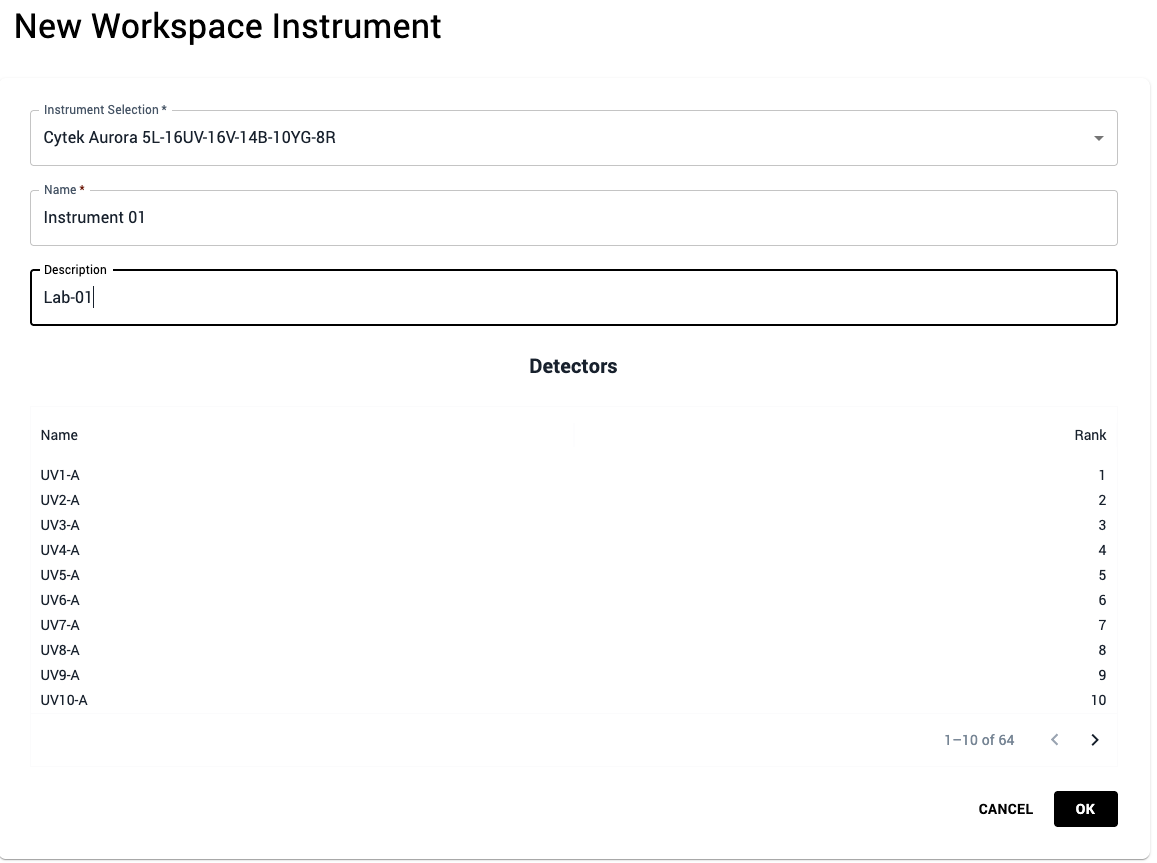
2. Fill in the instrument form: select your instrument configuration and name your instrument. This instrument name can later be added as metadata to your control files. Click “OK” to save your new instrument.
After creating an instrument, you will be navigated to the instrument page.
3. Return to the Resolve Home Page by clicking the Resolve “breadcrumb” on the taskbar.

You may then move on to creating your first panel.