- Check your email for login credentials from no-reply@app.ozette.com
- The setup link and temporary password are valid for 7 days
- Contact support@ozette.com if the link and/or password expire
- Navigate to app.ozette.com
- Click “Log in to Account” in your setup email to reach the Ozette platform
- Set your permanent password as prompted
- Access your workspace
- After account creation the platform will redirect to your organization’s specific workspace
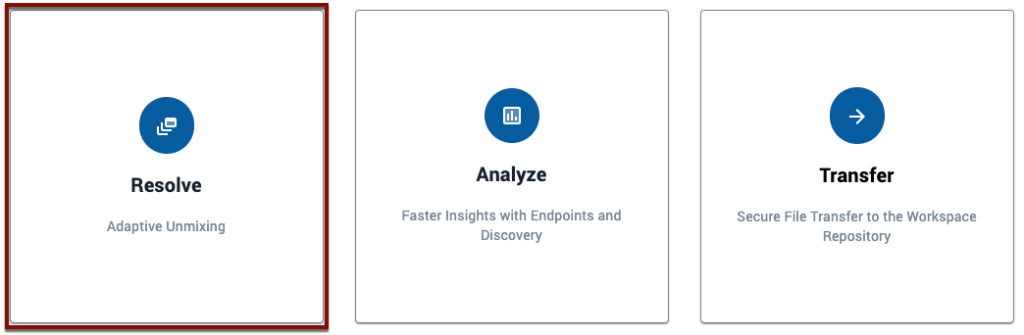
- Click on the “Resolve” card to get started.